
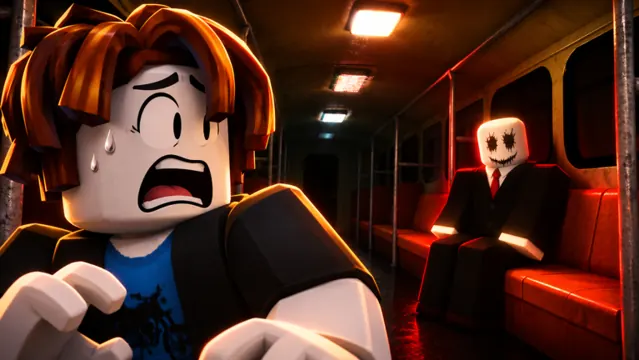
Which code can I try?
UPDATE1 is a community-reported code. A successful redemption in the game is the way to tell whether it still works on your account. Enter it exactly as shown, then read the reply in your own game before counting on a reward. Each code can be used once.
How to redeem a code
- Open Shop inside Find the Anomaly by Rick X Coda.
- Choose Codes and type the string in the Enter Code field.
- Select Redeem. If the game declines it, check the spelling and whether this account already used it.
The Codes panel points to the game’s Social Links for community announcements. You can reach those through the Roblox experience page.
Claim the Rail Sparks Aura in the lobby
- Join the Rick X Coda group and like the game.
- Favorite the experience on Roblox.
- Return to the lobby and interact with the Free Rewards chest. Check that both tasks are complete, then select Claim Rewards.
The board lists 500 Coins, the Rail Sparks Aura and a permanent 5% coin bonus. If the board still reads 0 of 2, check its two task rows before trying the claim button again. The chest uses these membership and game-page tasks rather than a code.